Sound Kits
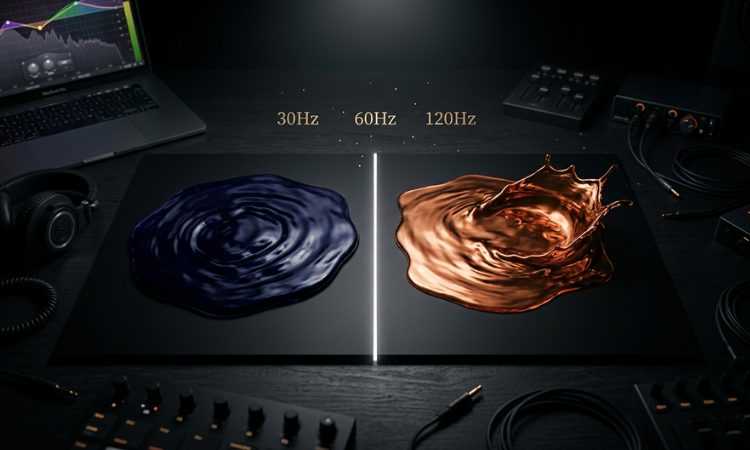
Your 808 sounds massive on its own. Your kick hits hard by itself. But the second you play them together, the low end turns into a muddy, boomy mess.
This is the single most common mixing problem in trap production. The kick and 808 occupy nearly the same frequency range — roughly 40 to 120 Hz — and when two loud elements compete for the same space, neither one wins.
The good news: fixing this is straightforward once you understand why it happens. Here are the techniques that actually work.
Why Your Kick and 808 Sound Muddy Together
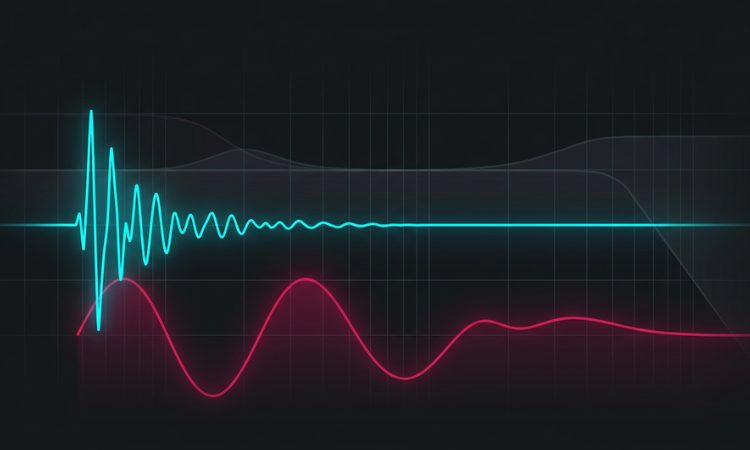
Low frequencies are physically larger waves than high frequencies. When two low-frequency sounds play at the same time, their waves either add together (making things louder and boomier) or cancel each other out (making things thinner and weaker). Both outcomes sound bad.
The specific problem depends on your samples:
Phase cancellation happens when the kick and 808 waveforms are out of alignment. Parts of the sound disappear, and the low end feels hollow and weak even though both elements are playing.
Frequency masking happens when both sounds have energy in the same frequency band. Your ear can’t distinguish between them — everything smears into one undefined rumble.
Excessive buildup happens when the fundamental frequencies of the kick and 808 stack up, creating a boomy resonance that overwhelms your speakers and triggers distortion on the master channel.
Understanding which problem you’re dealing with helps you choose the right fix. But in practice, you’ll often apply several of these techniques together.
Technique 1: Choose the Right Kick for Your 808
Before you touch any plugins, the most impactful thing you can do is pair the right kick with the right 808. If they’re fighting from the start, no amount of processing will make them work together cleanly.
Short, punchy kicks work best with long 808s. If your 808 has a long, sustained tail, you want a kick that’s all attack — a sharp transient click with very little low-end body. The kick provides the initial impact, and the 808 provides the sustained bass. They occupy different moments in time, which reduces overlap.
Round, full kicks need shorter 808s. If your kick is boomy and has a lot of low-end sustain, pair it with an 808 that decays quickly or has more mid-range harmonic character. Otherwise both elements sustain in the same range and mask each other.
The general rule: One element should own the sub-bass (below 60 Hz) and the other should own the punch (60-150 Hz). Decide which is which before you start mixing.
When building your trap beats, starting with a drum kit designed for the genre saves you a lot of trial and error. Our trap kits — like the SUPREME Trap Drum Kit and BLING BLING Trap Drum Kit — include kicks with varying amounts of low-end body so you can find the right pairing with your 808.
Technique 2: Tune Your 808 to Your Kick
This is one of the most overlooked steps in trap production, and it makes a dramatic difference.
Both your kick and 808 have a fundamental pitch — even if you don’t think of them as “notes.” When those pitches are harmonically related (in tune with each other), they reinforce each other cleanly. When they’re out of tune, they create dissonant interference that sounds like low-end mud.
How to check and fix tuning:
Step 1: Find the fundamental note of your kick. Load it into a tuner plugin (FL Studio has Pitcher, or use a free tuner VST). Play the kick and note what pitch it registers. Most trap kicks sit around C, D, E, or F in the first or second octave.
Step 2: Make sure your 808 bass notes are harmonically compatible with the kick’s fundamental. The safest approach is to use an 808 tuned to the same root note as the kick, or to a note that’s a perfect fifth or octave away.
Step 3: If they’re clashing, you can re-pitch the kick slightly. In FL Studio’s Sampler, the pitch knob adjusts the kick’s tuning in cents. Small adjustments (±10-50 cents) can clean up the low end significantly without changing the overall feel of the kick.
Don’t skip this. Tuning your kick to your 808 is arguably more important than any EQ or compression trick. Two in-tune low-frequency elements will always sound cleaner than two out-of-tune elements no matter how much you process them.
Technique 3: EQ Carving
EQ carving means cutting frequencies from one element to make room for the other. It’s the most direct way to reduce frequency masking.
The standard approach:
On the kick: High-pass (cut) everything below 40-50 Hz. This removes the ultra-low sub-bass from the kick, leaving room for the 808 to own that range. Then boost slightly around 60-100 Hz for the kick’s punch, and around 2-5 kHz for the beater click.
On the 808: Cut the frequencies where the kick’s punch lives — usually a narrow dip around 60-100 Hz. This gives the kick space to punch through without the 808 masking it. The 808 keeps its deep sub-bass below 60 Hz and its harmonic overtones above 100 Hz.
In practice:
Open an EQ plugin on both your kick and 808 channels. On the kick, add a high-pass filter at 40-50 Hz. On the 808, add a narrow cut of 2-4 dB around the frequency where the kick has the most energy (usually 60-80 Hz). Play them together and adjust until the low end sounds clear.
The exact frequencies depend on your specific samples — there’s no one-size-fits-all setting. Use your ears and sweep the EQ until you hear the mud clear up.
Technique 4: Sidechain Compression
Sidechain compression is the industry-standard technique for making a kick punch through an 808. It briefly ducks the volume of the 808 every time the kick hits, creating a pocket for the kick’s transient.
How to set it up in FL Studio:
Step 1: Route your kick to a dedicated mixer track if you haven’t already.
Step 2: On the 808’s mixer track, add Fruity Limiter (or any compressor with a sidechain input).
Step 3: In the Mixer, right-click the arrow at the bottom of the kick’s channel and select “Sidechain to this track” pointing to the 808’s track.
Step 4: In Fruity Limiter on the 808 channel, set the compressor to respond to the sidechain input. Use a fast attack (0-5 ms), medium release (50-150 ms), and a ratio of 4:1 to 8:1. Adjust the threshold until the 808 ducks by 3-6 dB when the kick hits.
How to set it up in Ableton:
Add a Compressor to the 808 track. In the Compressor’s sidechain section, enable sidechain and select the kick track as the input. Set a fast attack, medium release, and adjust threshold until you see 3-6 dB of gain reduction on kick hits.
The result: Every time the kick plays, the 808 briefly dips in volume. The kick punches through cleanly, and the 808 comes right back. When done well, this is transparent — the listener won’t notice the ducking, they’ll just hear a clean, hard-hitting low end.
Pro tip: You can get a similar effect (and more precise control) using a volume automation or a transient shaper instead of a compressor. Some producers prefer using Gross Beat in FL Studio or LFOTool for sidechaining because it gives them exact control over the ducking curve shape and timing.
Technique 5: Timing and Placement
Sometimes the mud isn’t a frequency problem — it’s a timing problem. If your kick and 808 trigger at exactly the same moment, their transients stack up and create a volume spike that either clips or causes phase issues.
Solution 1: Offset the 808. Nudge your 808 MIDI notes 5-20 milliseconds after the kick. The kick’s transient hits first and clears the way for the 808 to follow. This tiny delay is imperceptible to the ear but significantly reduces the peak level and muddiness.
Solution 2: Let the kick have its own space. In some patterns, don’t trigger the 808 on every kick hit. Let certain kicks play without a bass note underneath. This gives your low end moments of clarity and makes the 808 feel more impactful when it does play.
Solution 3: Cut the 808’s attack. If your 808 has a sharp transient at the start (a click or pop), it competes with the kick’s transient. Use a volume envelope or a fade-in (1-5 ms) to soften the 808’s attack. The 808 should be all sustain; the kick should be all attack.
Technique 6: Mono Your Low End
Low frequencies should be centered in the stereo field. If your kick or 808 has any stereo width below about 120 Hz, it can cause phase issues and mud when played back on different speaker systems.
Use a utility plugin to force everything below 100-120 Hz to mono. In FL Studio, Fruity Stereo Enhancer can do this. In Ableton, use the Utility plugin with the “Bass Mono” feature. Many mastering plugins also include a “low-end mono” function.
This ensures your low end is tight, focused, and translates well on everything from earbuds to club systems.
The Complete Low-End Checklist
When your kick and 808 are sounding muddy, work through this list in order:
- Pair the right samples — short kick + long 808 (or vice versa)
- Tune your kick to your 808 — make sure they’re harmonically aligned
- EQ carve — high-pass the kick at 40-50 Hz, cut the 808 around the kick’s punch frequency
- Sidechain compress — duck the 808 3-6 dB on every kick hit
- Check timing — offset the 808 slightly after the kick if needed
- Mono the low end — everything below 120 Hz in mono
You won’t always need all six steps. Sometimes just tuning your kick and adding a sidechain is enough. Other times you need the full treatment. Use your ears and stop when it sounds right.
Start With Quality Samples
The biggest cheat code for clean low end is starting with well-designed samples. Kicks and 808s that are already processed for trap production require far less corrective mixing than generic or poorly designed sounds.
Our trap drum kits are built with this in mind — every kick is processed and tested alongside 808s to ensure they work together cleanly:
- SUPREME Trap Drum Kit — Punchy kicks and clean 808s designed to sit together
- MONEY Trap Drum Kit — Hard-hitting low end for aggressive trap
- VYBES Trap Drum Kit — Versatile trap sounds with well-balanced kicks
- BLING BLING Trap Drum Kit — Classic trap drum character
Want everything? PREMIUM gives you access to all 63+ packs — every trap, phonk, lo-fi, and MIDI kit we’ve ever created.
More mixing tips: What BPM Is Phonk Music?